 Bulky Buddy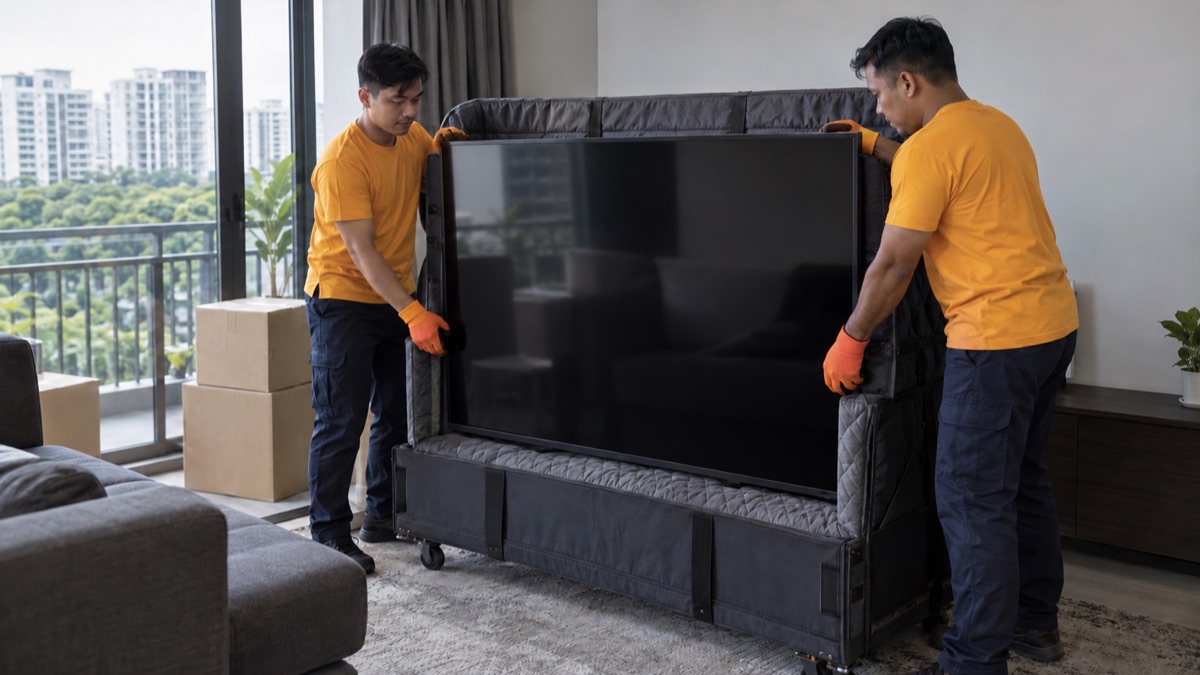
For TV and household e-waste disposal in Singapore, start with retailer take-back or an approved e-waste route. Large televisions and monitors can qualify for free collection. Smaller electronics need a point that accepts their type and size.
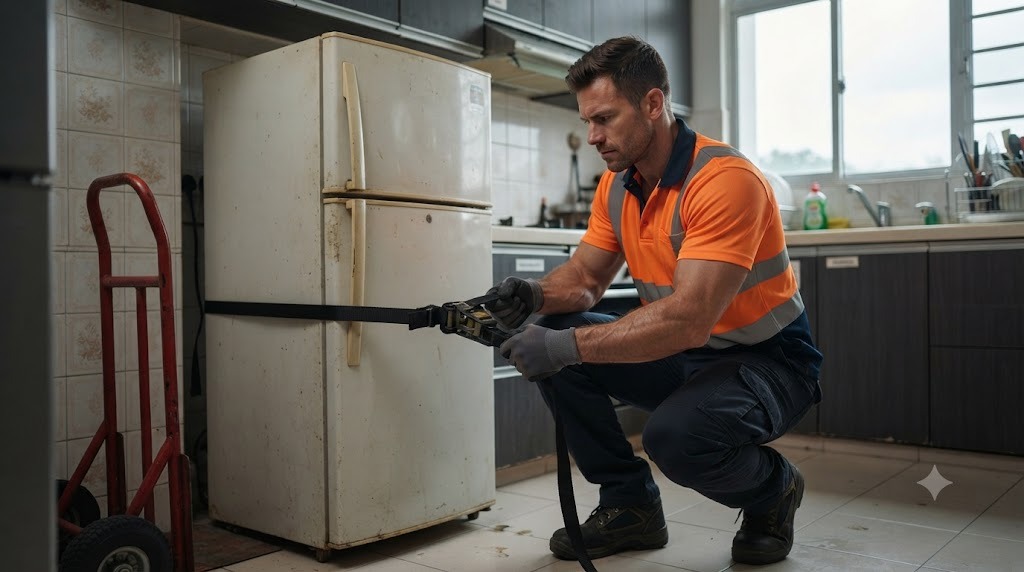
Sort by device first. A laptop, rice cooker and television are three different enquiries, even if all three stopped working in the same week. Prepare stored personal information and settle the handover route while the devices are still at home.
Send photos of the items, your floor and the collection route for a fixed quote.
Get my price on WhatsAppSeparate regulated electronics from other small appliances
NEA's regulated-products list includes consumer computers such as laptops, desktop monitors and televisions. A plug alone does not put every appliance in that group.
ALBA's product guide classifies fans, rice cookers, vacuum cleaners and several other small appliances as non-regulated e-waste. NEA's voluntary recycling programmes complement the regulated system. Use the programme that accepts the actual device.
For example, finding a laptop drop-off does not settle where your rice cooker goes. Build this short list before choosing a route:
- Device and quantity: one TV, two laptops, one rice cooker.
- Size and condition: show the full item and any damage.
- Personal information: mark devices that need account or storage preparation.
- Accessories: keep detachable parts beside their device while checking acceptance.
- Unknown items: send a photo to the operator instead of guessing the category.
Replacing a TV? Ask the retailer first
Under NEA's scheme, retailers delivering a regulated consumer product must offer one-for-one take-back of the same class or type for disposal at no cost. Raise this when arranging your replacement and get the collection details with the delivery booking.
That covers the relevant electrical product, not every object beneath it. The old TV console needs its own removal plan. So does a separate soundbar unless the collection arrangement includes it.
Show whether the TV is on a stand or attached to a wall. Settle who removes the mount, disconnects cables and prepares the set. If delivery and collection happen at different times, give the old screen a safe place to wait. The middle of the route for the new one is a poor choice.
Check free large-item collection before paying for a pickup
ALBA's doorstep page lists televisions and desktop monitors among the large household appliances eligible for free collection. Certain smaller devices can be added alongside an eligible large item. Submit your actual list through the operator's stated route and check the current conditions.
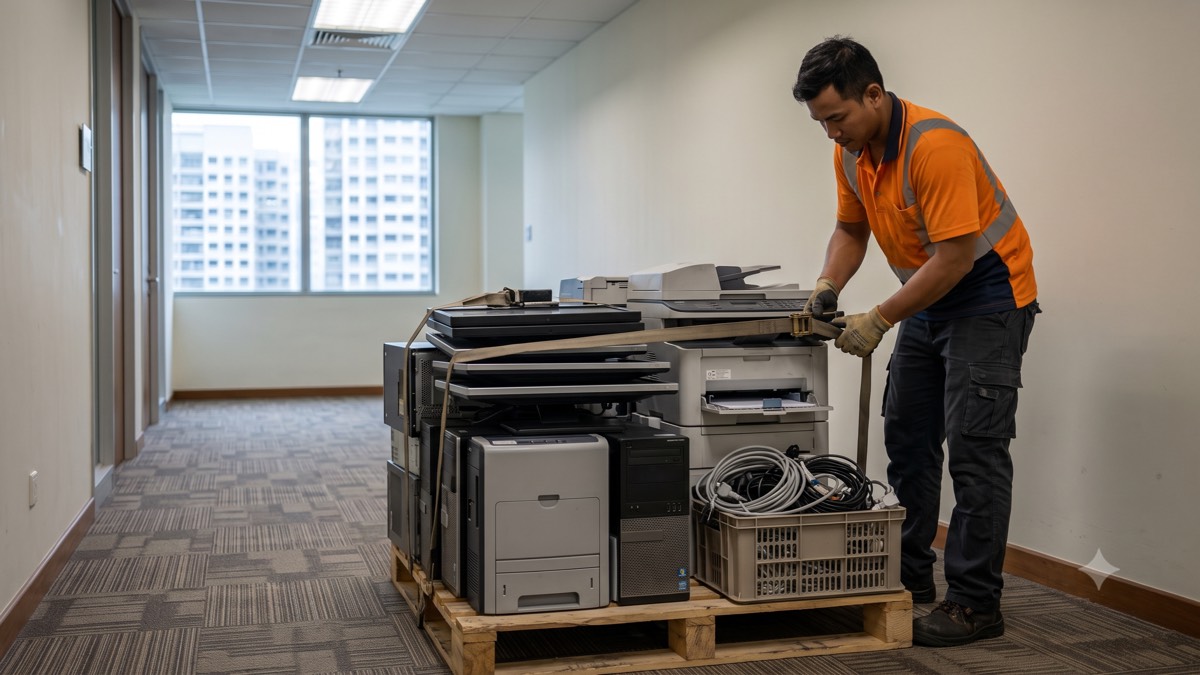
Three old laptops do not become a qualifying large item by sharing a box. For smaller devices alone, look at suitable drop-offs or collection drives. If you need carrying help, access assistance or preparation beyond the published scope, get that part resolved with the operator.
Keep the accepted booking and preparation instructions. Submitting a form does not make a shared corridor a collection point. Update the operator if the item's condition or access changes. For a fridge or washing machine, our appliance disposal guide covers the separate preparation discussion.
Use the bin finder, then check the bin itself
The NEA e-waste page links collection channels across Singapore, including public bins and collection drives. Check accepted materials and the opening size before carrying a device there. A battery-only point is not a laptop drop-off.
Say your monitor is wider than the opening. The answer is another accepted route, not removing the casing or leaving the screen beside the bin. Keep devices intact, follow the operator's instructions for embedded batteries and accessories, and never force an item through.
Check the whole mixed bag against the chosen point. It is easier to find a second route from your kitchen table than from a bin with an unaccepted appliance in your hands. Leaving equipment beside it does not complete the handover.
Prepare personal information before releasing devices
Review laptops, tablets, phones and smart devices for accounts and personal information. Back up what you want to keep, check that the backup works, then follow the manufacturer's disposal or transfer instructions for that model.
Apple's Mac preparation guide, for example, covers backing up and erasing with steps that depend on the machine. One computer's reset instructions are not a recipe for every device. Remove personal removable storage you intend to keep, and check a smart TV's account and reset instructions too.
If the laptop will not start or you cannot finish preparation, put it in the unresolved group. Settle a suitable data-handling route with a specialist before releasing it. A dead screen does not answer the question of what remains on the device.
A collection receipt records a handover; it is not itself a certificate of a particular data process. Office equipment also needs your organisation's release process and our office IT disposal guide. Bulky Buddy is not a certified data-destruction service.
Ready to arrange collection? Show us the agreed items and your preferred timing.
Get my price on WhatsAppPrepare the screen and the collection route
Photograph the whole screen, its stand or mount and the way out of the room. State whether it is still attached, whether the screen is damaged and which preparation you can safely complete under the operator's instructions.
A large TV mounted above a console needs more explanation than “one television”. Settle who handles disconnection, unmounting and carrying to the handover point. Do not remove a large wall-mounted set alone just to get it ready.
Clear light belongings from the route and keep the collection area dry and accessible. For a condo, use our service-lift checklist to line up the building arrangements with the operator's slot. Both need to work for the visit.
When a private collection enquiry makes sense
A private enquiry can help with a large screen alongside furniture, several awkward items or access that needs assessment. Describe the mixed load and get the accepted items, handling and receiving routes in the scope. Compare that work with the official free options.
For Bulky Buddy, send photos on WhatsApp with quantities, your floor and the route to the vehicle. List the electronics separately from their furniture and point out unfinished preparation. We quote for the agreed disposal work. Keep any device with unresolved data or battery concerns out of the ordinary collection load.